Export Run
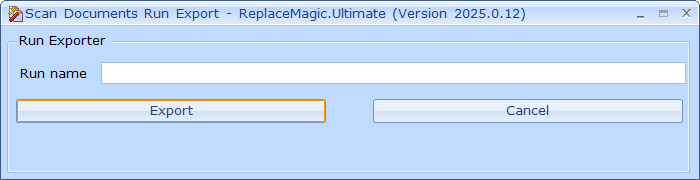
Export run will allow you to save scanning results in configured ReplaceMagic database (DB Config) under entered name:
Important: In case that newly installed ReplaceMagic version is introducing new database tables structure, when export form is opened, you will see notification popup about this. Database update will happen when you click on Export button. In case of SQL Server and mySQL existing tables will be updated no mater if they contain data or not. In case of SQLite, ReplaceMagic will need to create new tables and copy existing data into them which might take some time (duration will depend on number of records to be copied).